There are no items in your cart
Add More
Add More
| Item Details | Price | ||
|---|---|---|---|


"Unlock the Power of Precision: Master 2D Programming Skills and Dominate the World of CNC Milling with Mastercam!"
Language: English & Hindi
Explore the teaching style, machining workflow explanations, and practical CNC programming approach before enrolling in the complete Mastercam Mill 2D Programming Course.
Learn professional CNC programming in Mastercam from beginner to advanced level with real industry machining strategies, toolpaths, drilling cycles, pocketing, dynamic milling, engraving, and special tool operations.
Students across different industries are using the Camnity platform to improve their CNC programming knowledge, machining confidence, and Mastercam workflow skills.
Learning Mastercam and CNC programming through structured industry-focused lessons.
Detailed step-by-step lessons covering real machining workflows and strategies.
Students consistently rate the course highly for clarity, practical learning, and support.
Most students successfully complete the course and build confidence in CNC programming.
Learn Mastercam Mill 2D with a structured industry-focused training experience including HD lessons, practice files, live sessions, community support, and hands-on CNC programming workflows.
Every lesson is a detailed screen recording with clear narration. Pause, rewind, and learn comfortably at your own pace without rushing.
Practice models are included in step and .mcm with each module, so you can practice on the same files used during lessons.
Join live sessions and ask your machining or programming doubts directly. Get mentor guidance whenever you feel stuck.
Connect with other CAM learners and CNC programmers, share toolpaths, get feedback, and grow your professional network.
Watch lessons on desktop, tablet, or mobile with lifetime access and complete flexibility to learn on your own schedule.
Earn a professional certificate after course completion and showcase your Mastercam skills on LinkedIn and your resume.
Students from different countries and industries are learning CNC programming, improving machining confidence, and building real CAM skills with Camnity.
"I went from zero CAM knowledge to programming complete parts in just a few weeks. The WCS and Dynamic Mill lessons alone were worth the course."
"The hole making section is incredibly detailed. Every drilling cycle is explained properly with real machining examples and G-code understanding."
"The live Q&A sessions completely changed my learning experience. I got help on an actual production part I was struggling with."
"Finally a CAM course that teaches real machining logic instead of only clicking buttons. The explanations are extremely practical."
"I was already using Mastercam before, but this course improved my workflow speed massively. The contour and pocket strategies are excellent."
"The practice files and real examples make a huge difference. I could directly apply the lessons on parts at my company."
"Very professional course structure. The teaching style is easy to follow even for beginners who have never used CAM software before."
"The Dynamic Mill module alone improved our machining efficiency. I started using better strategies immediately after watching the lessons."
"I liked how every toolpath is explained slowly with real machining thinking behind it. Nothing feels rushed or confusing."
"This course gave me confidence to move from machine operation into CAM programming. The support and structure are outstanding."
"I went from zero CAM knowledge to programming complete parts in just a few weeks."
"The Dynamic Mill module improved our machining efficiency immediately."
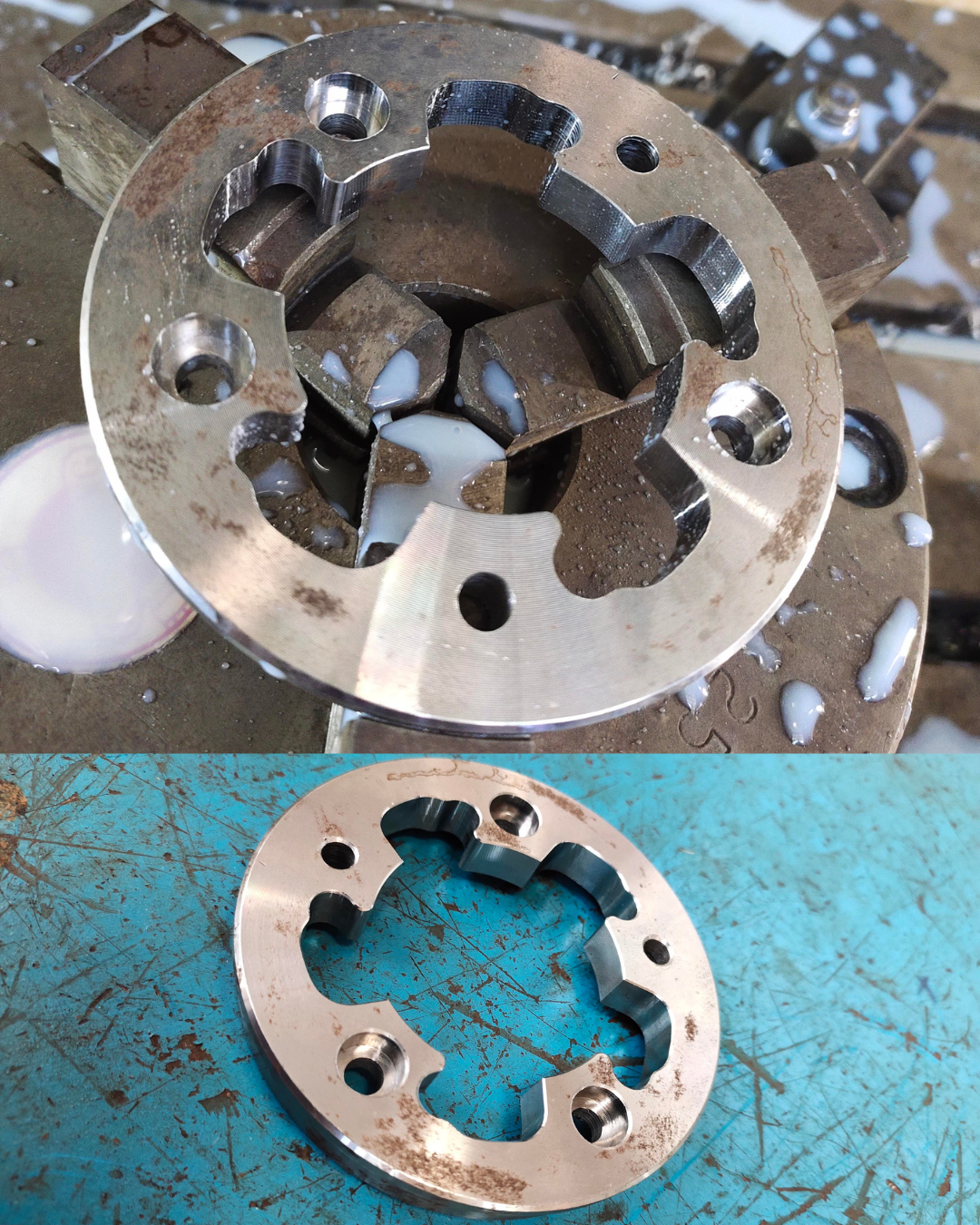
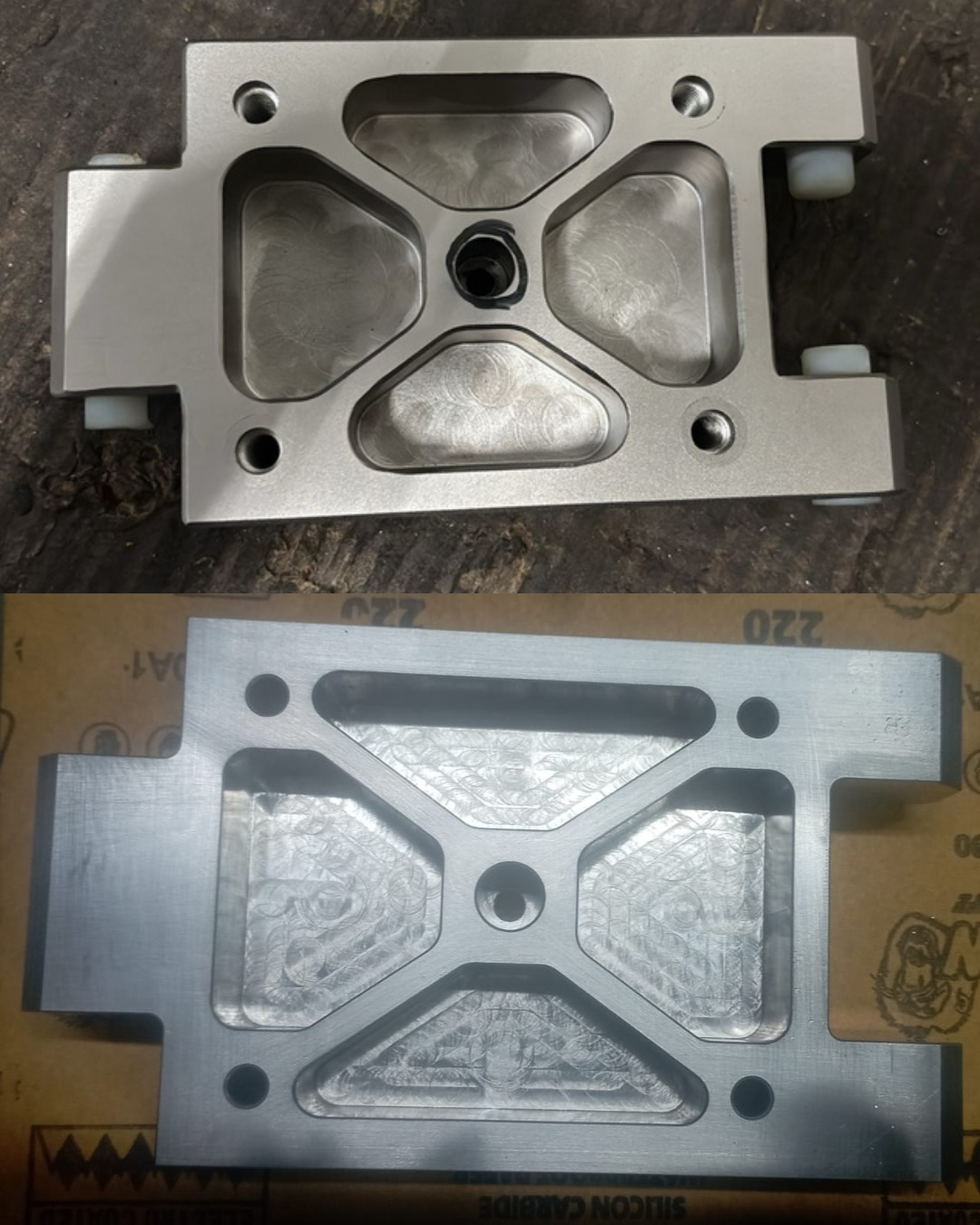
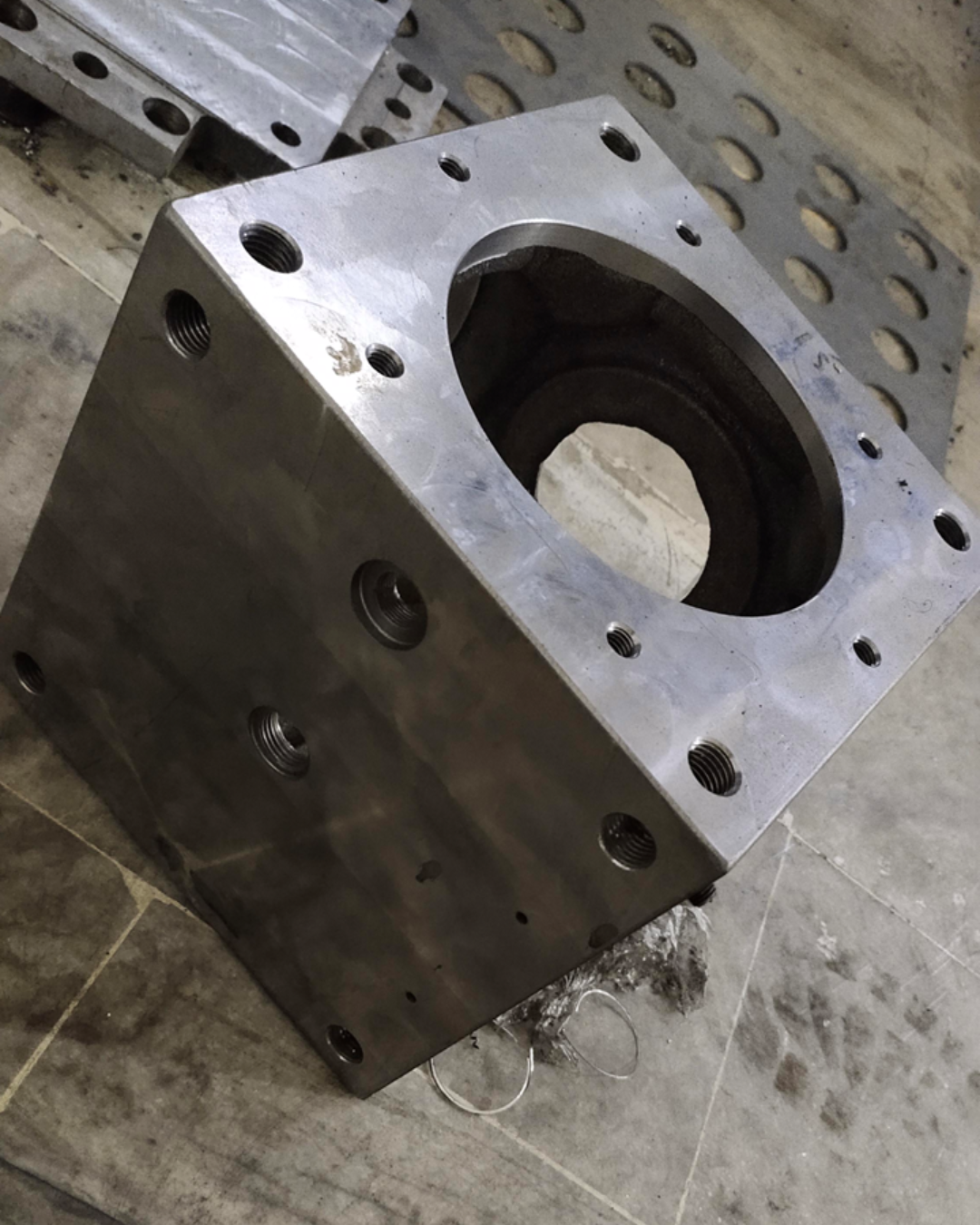
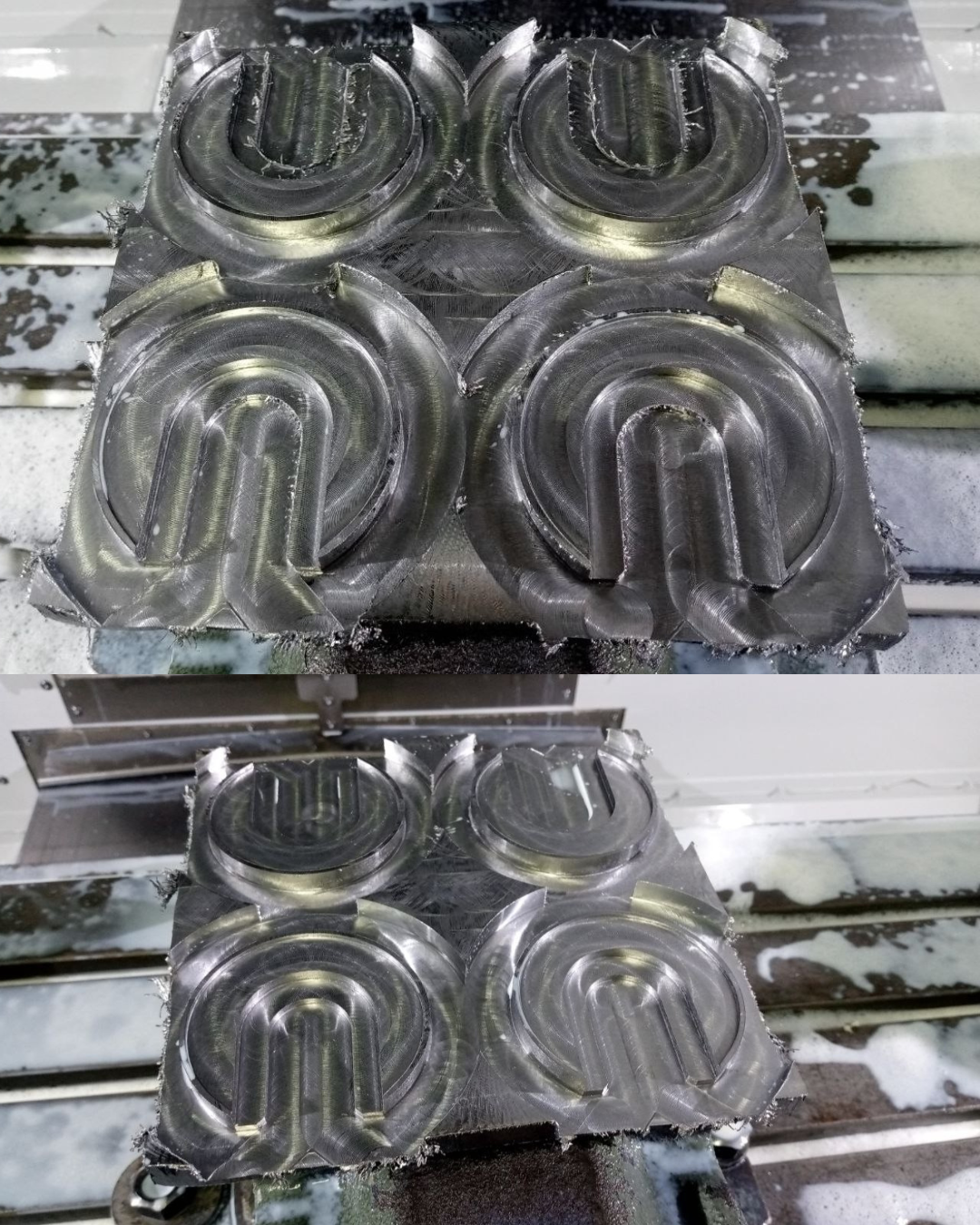
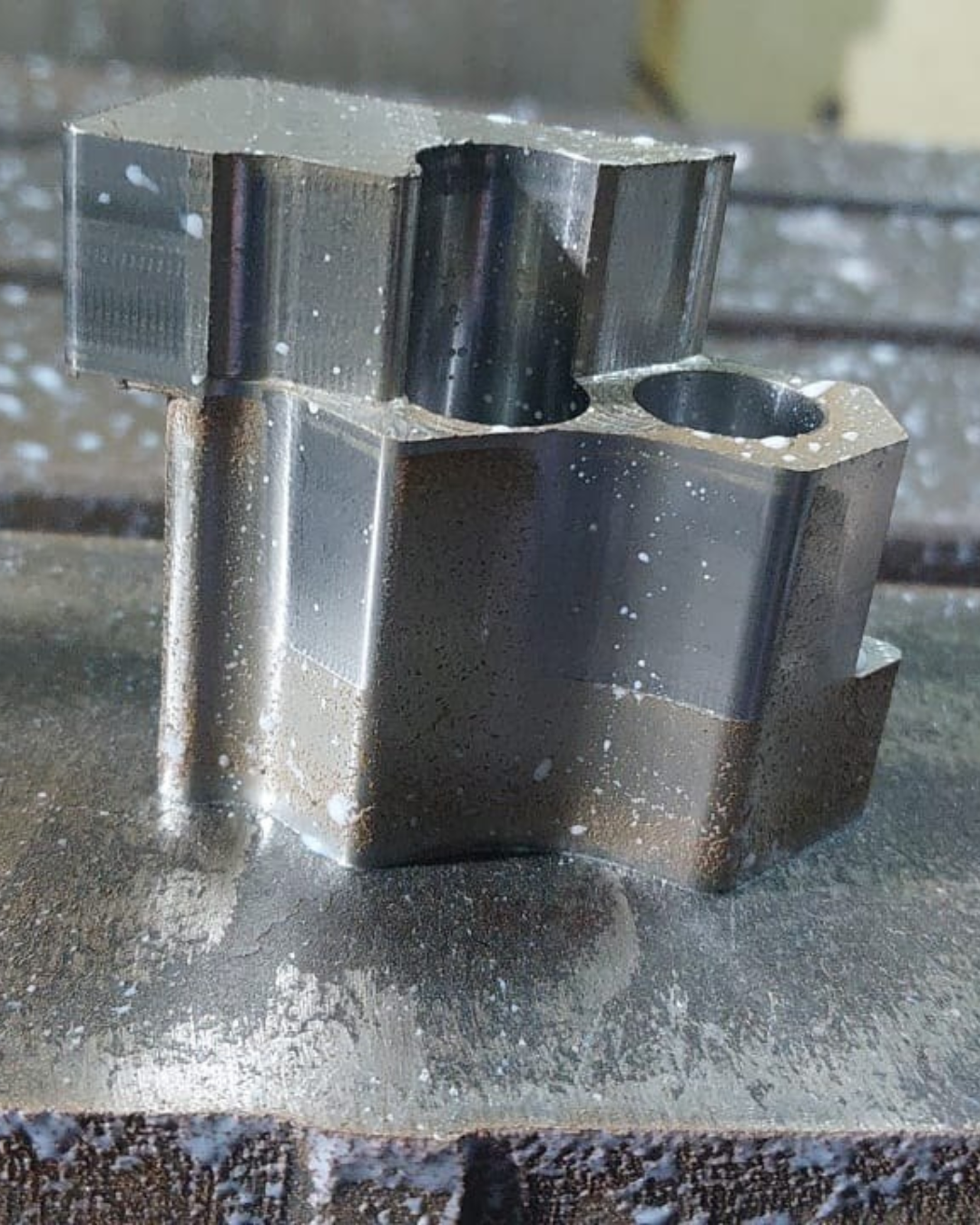
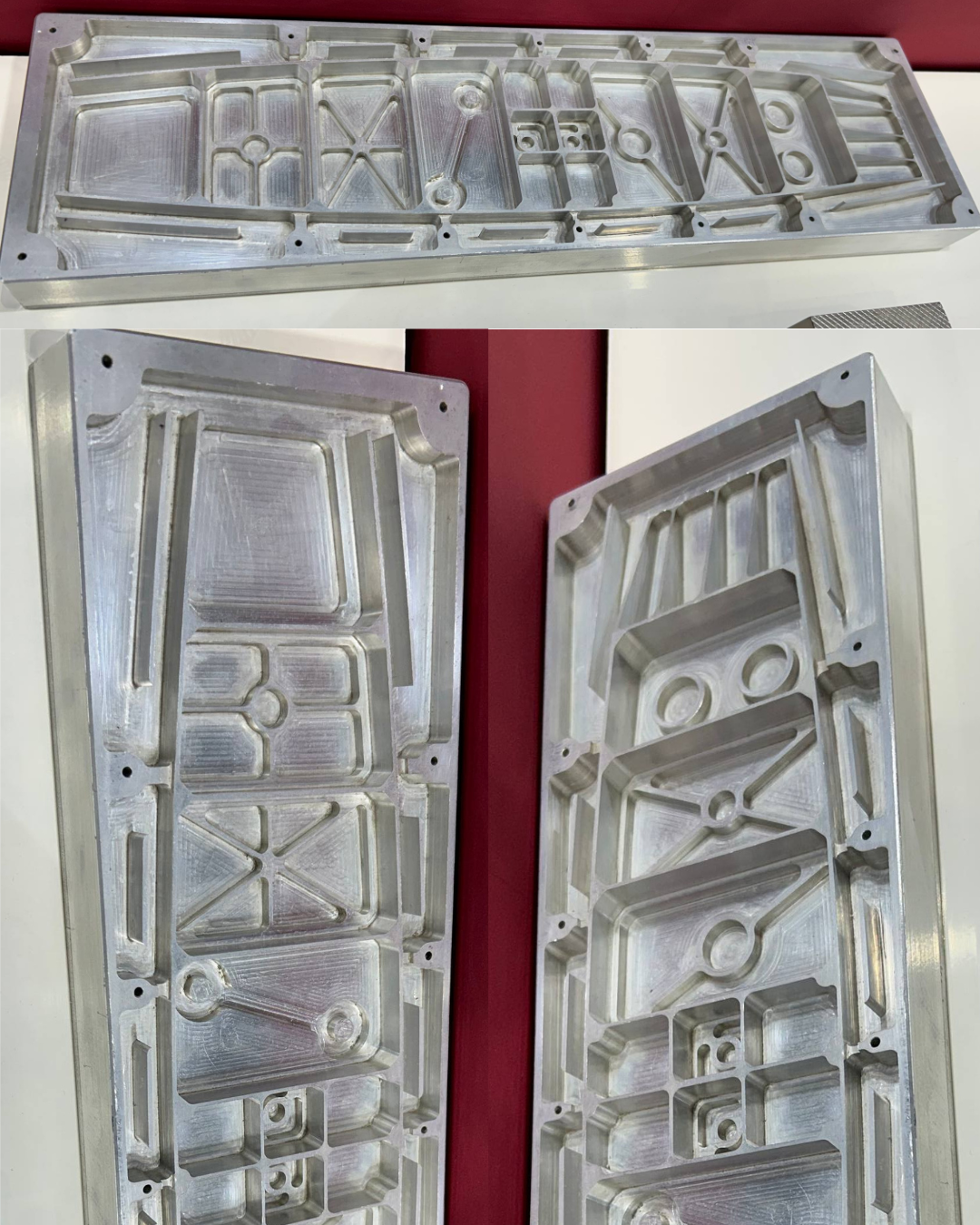
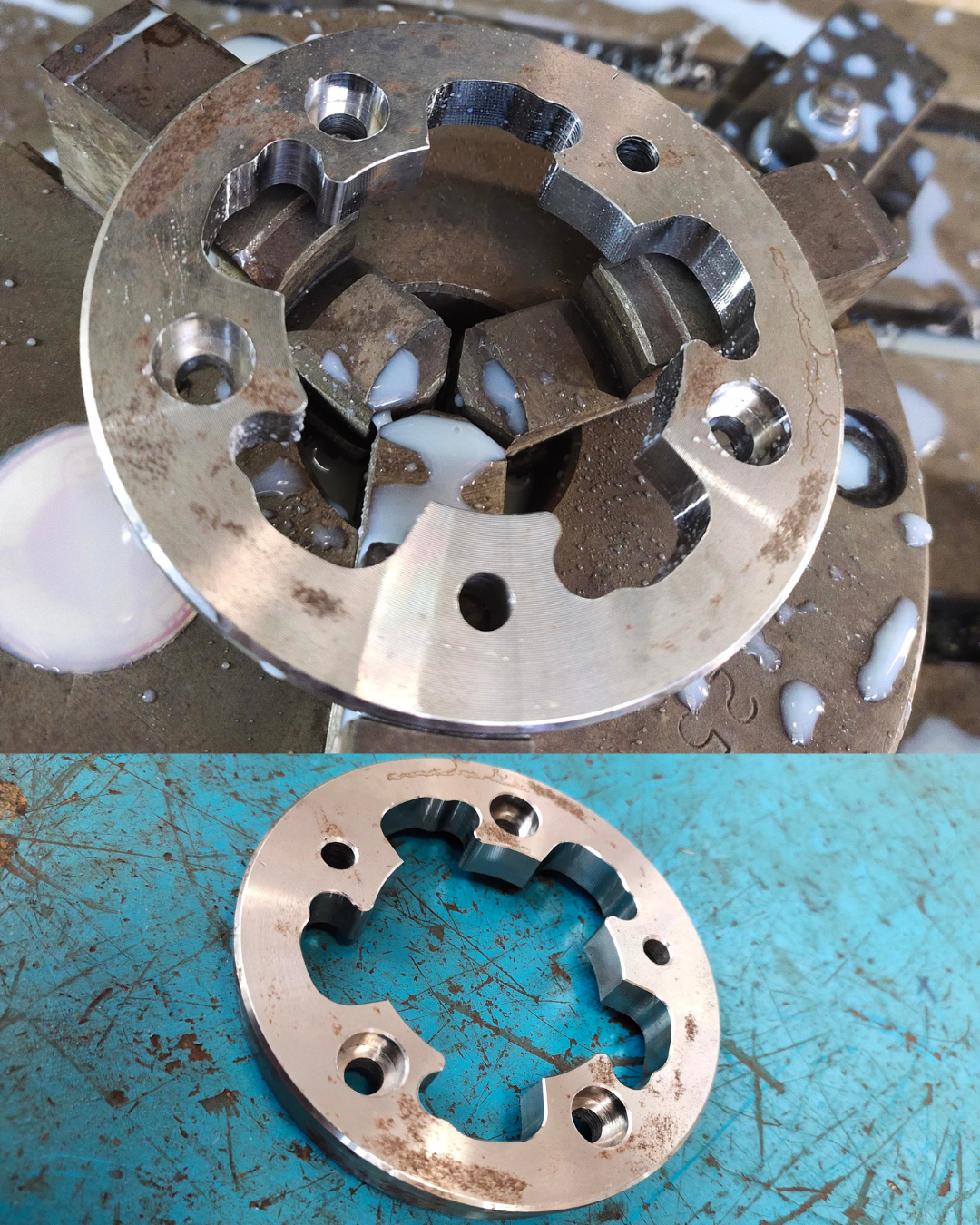
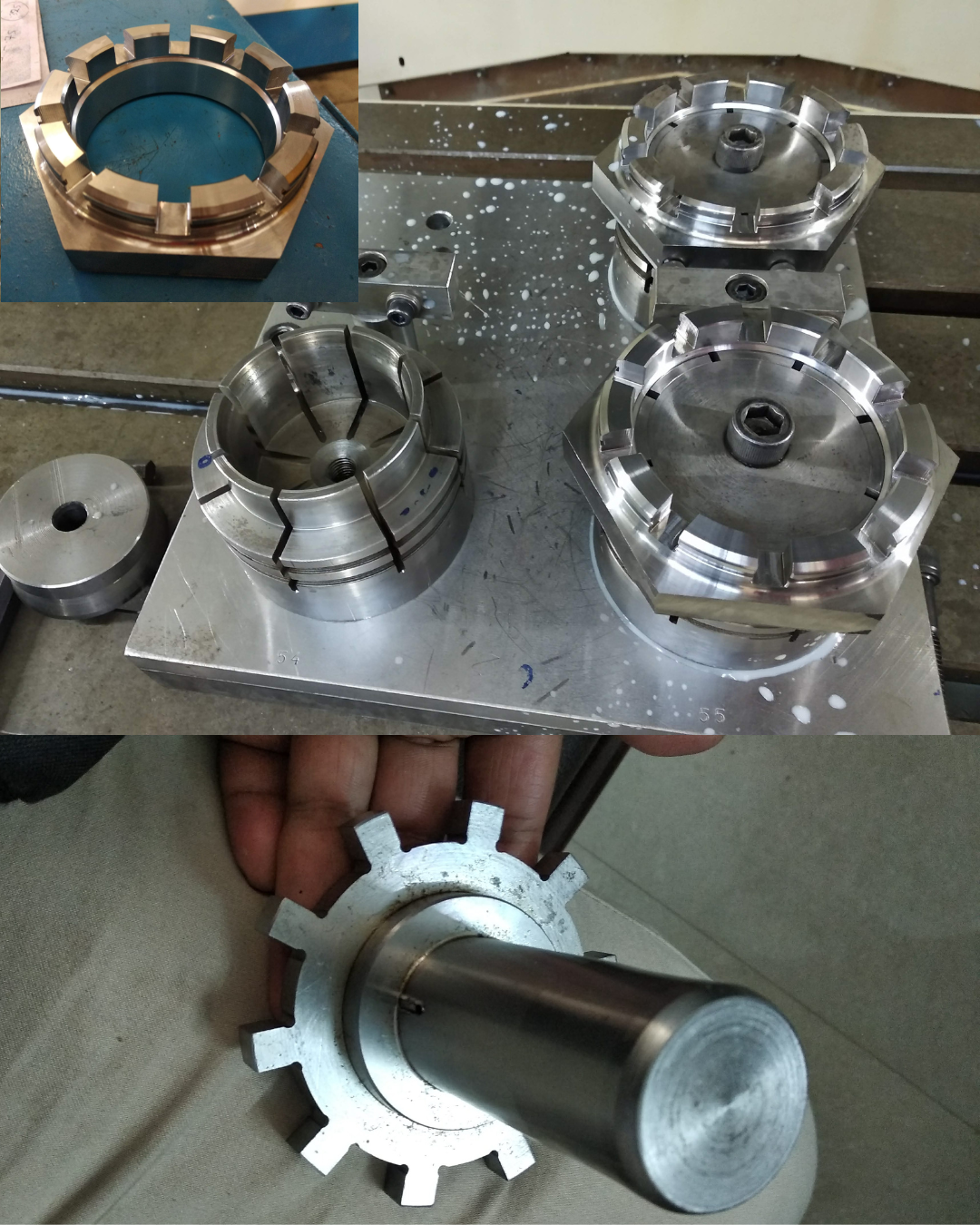
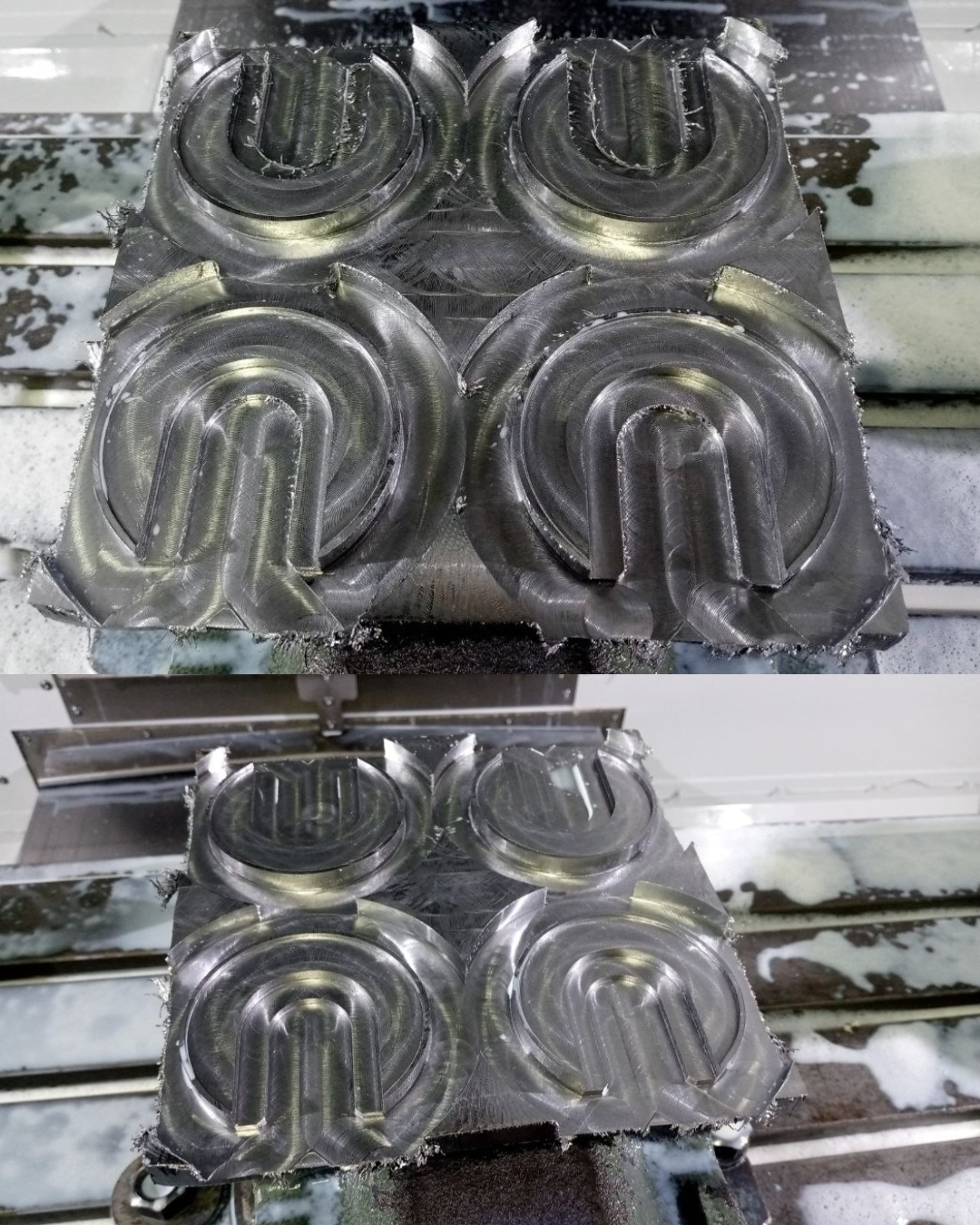
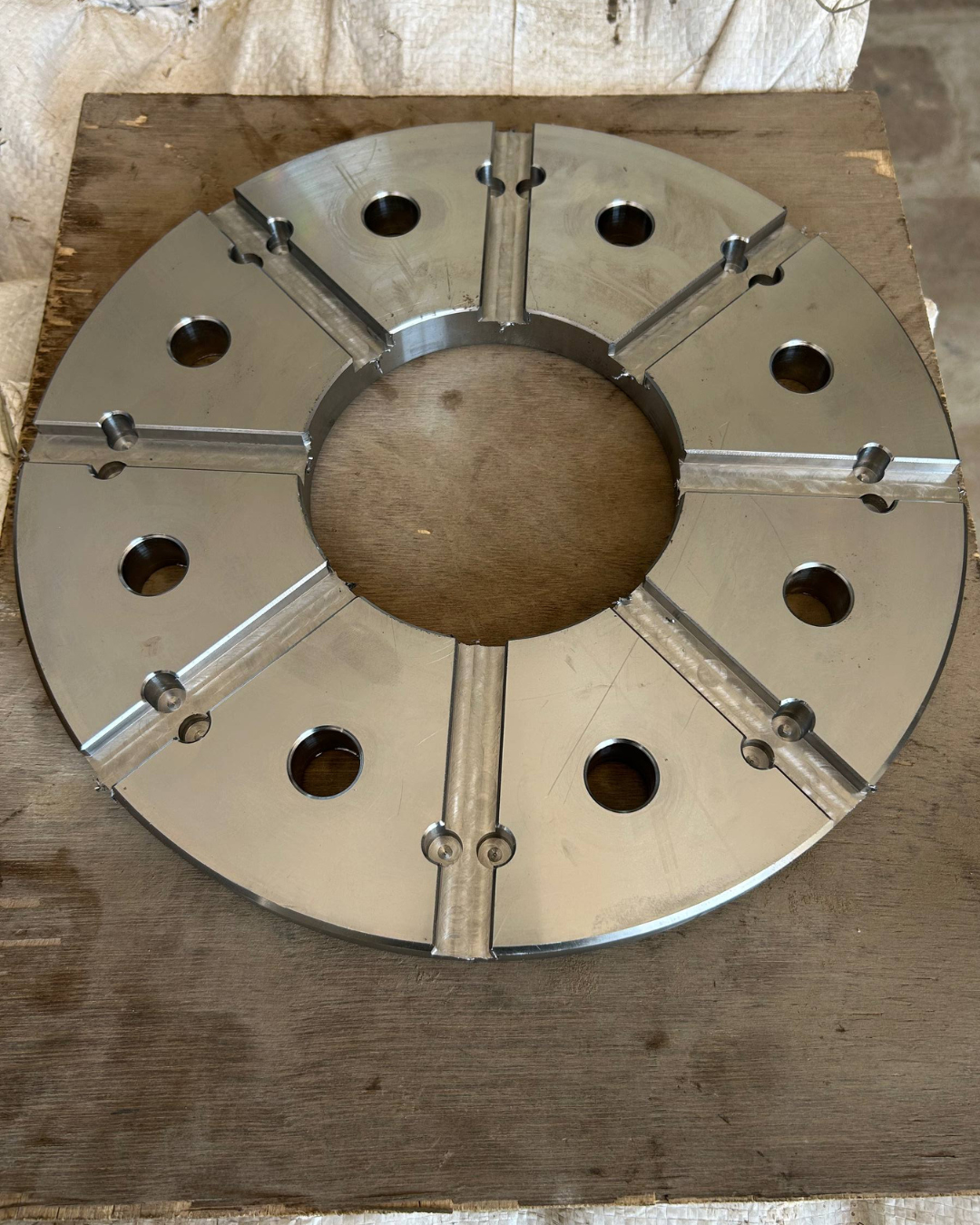
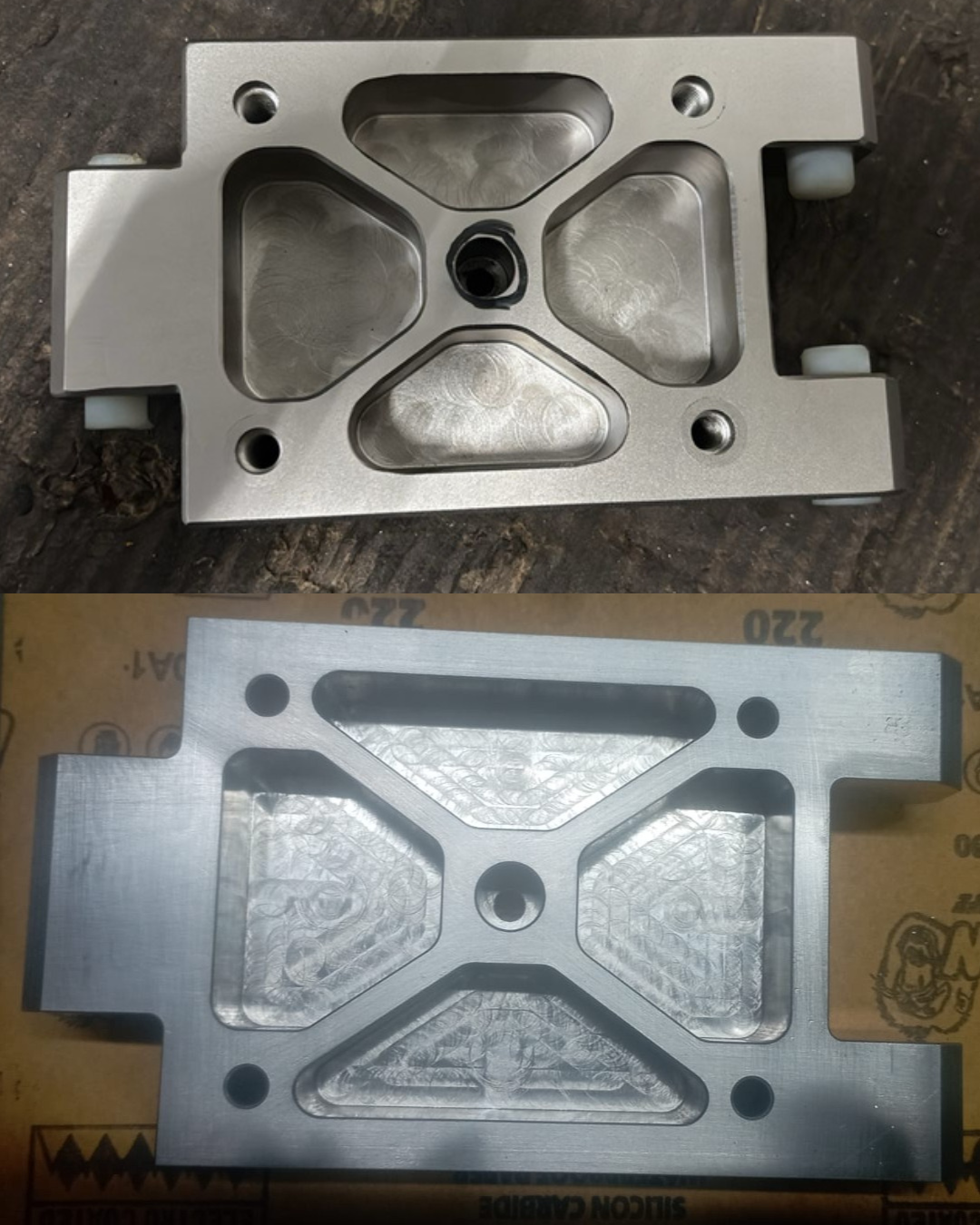
CNC machining projects created by students after completing the Mastercam Mill 2D Programming Course and applying the machining strategies in real production environments.
Have questions about the course, software, certificate, or learning process? Here are answers to the most common questions students ask before joining.
Join 1,200+ students who are already programming CNC machines using Mastercam with confidence. Enroll today and get instant access to all lessons, practice files, and learning resources.
 Launch your Graphy